ControlBit UWB
Indoor positioning that works like GPS — but inside buildings. GPS signals don't reach indoors, so you can't tell where things are. This system fixes that.
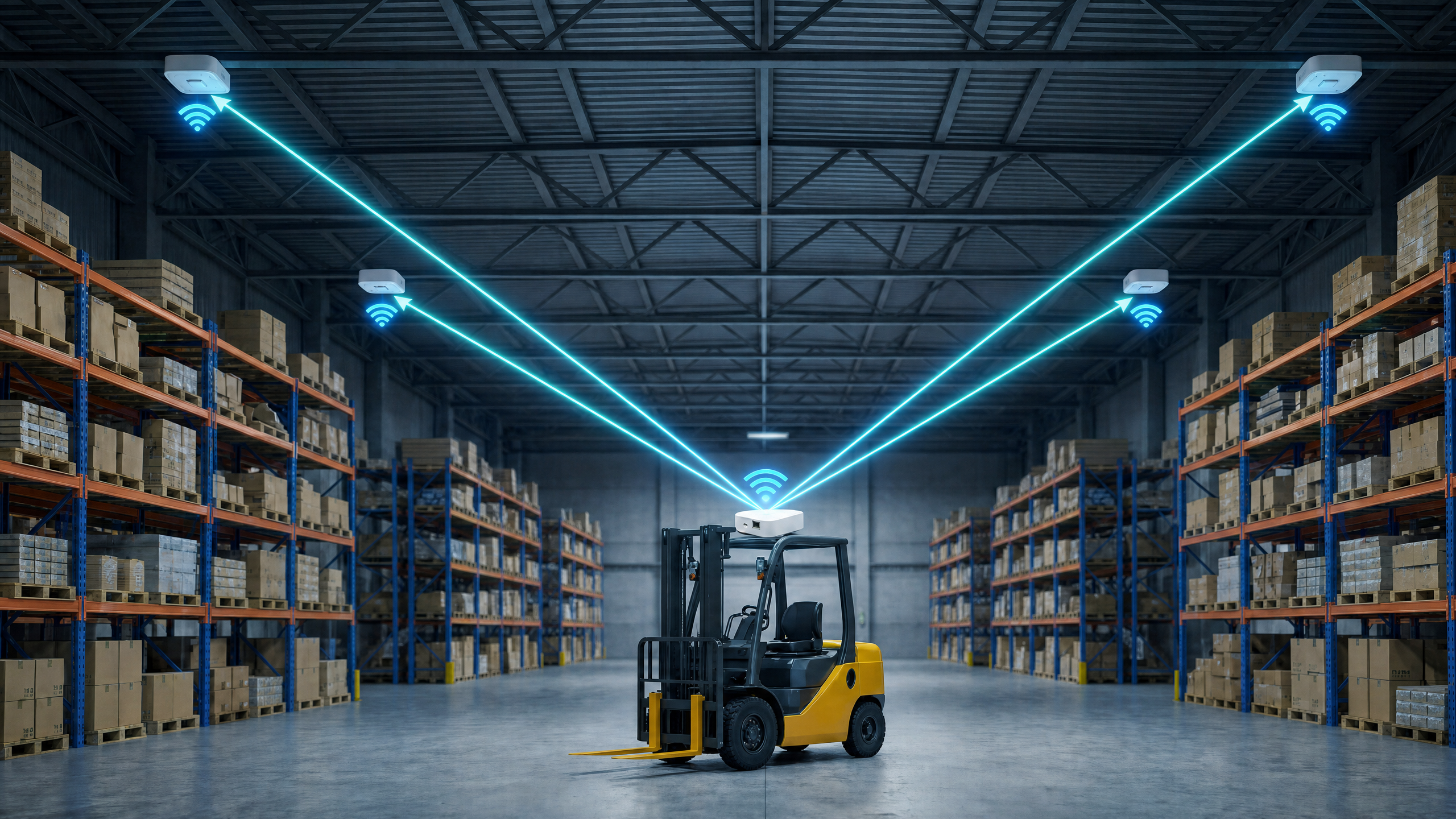
How does it work? — one sentence
Anchors mounted on the ceiling or walls each measure their distance to the tag that a person is carrying; combine those distances and you know where the tag is.
       Anchor B
        ●
       /│\
      / │ \
     /  │  \    Each anchor measures its distance to the tag.
    /   │   \   With 3 distances you can pinpoint one location.
   /  Tag    \
  ●----●----●
Anchor A   Anchor C
A handful of small boxes on the building act as the GPS satellites would.
What's in the system?
| Part | Role | Where it lives |
|---|---|---|
| Anchor boards | Measure distance to tag, ship readings over Wi-Fi/Ethernet | Mounted on ceiling/walls. Usually 3–8 of them |
| Tag | The thing being located | Carried by a person, attached to an asset |
| Dashboard app | Reads the anchor readings and draws the tag on a map | Runs on a PC, phone, or browser |
| MQTT broker | Relays messages between anchors and the dashboard | A company server or a public broker |
📷 [image placeholder] A photo of one anchor board next to one tag, showing the size difference. Filename:
assets/anchor_and_tag.png
Where can you use it?
- Warehouses / logistics — track forklifts, workers, carts in real time
- Factories — safe-zone access control, equipment tracking
- Hospitals / care homes — patient, medical-device, wheelchair location
- Retail / exhibitions — visitor flow, VIP routing
- Construction sites — personnel positioning, safety
- Labs — anti-loss for expensive equipment
Anywhere indoor that GPS doesn't reach.
Accuracy and range
| Item | Value |
|---|---|
| Position accuracy | 10–30 cm with 4+ anchors |
| Anchor ↔ tag range | tens of metres with line-of-sight |
| Update rate | about 1 reading per second (tunable) |
| Concurrent tags | up to 64 (firmware setting) |
Accuracy depends on anchor geometry and the site (walls, metal). More anchors that surround the tag = better accuracy.
Getting started
If this is your first time, follow these in order:
- Quick Start — from unboxing to seeing your first dot in 5 steps
- Dashboard App — how to view positions on screen
- Detailed Setup — MQTT / Wi-Fi / OTA / button options
- DIP Switch Reference — how to give each anchor a unique ID